 To homepage
Play MudGate in your browser
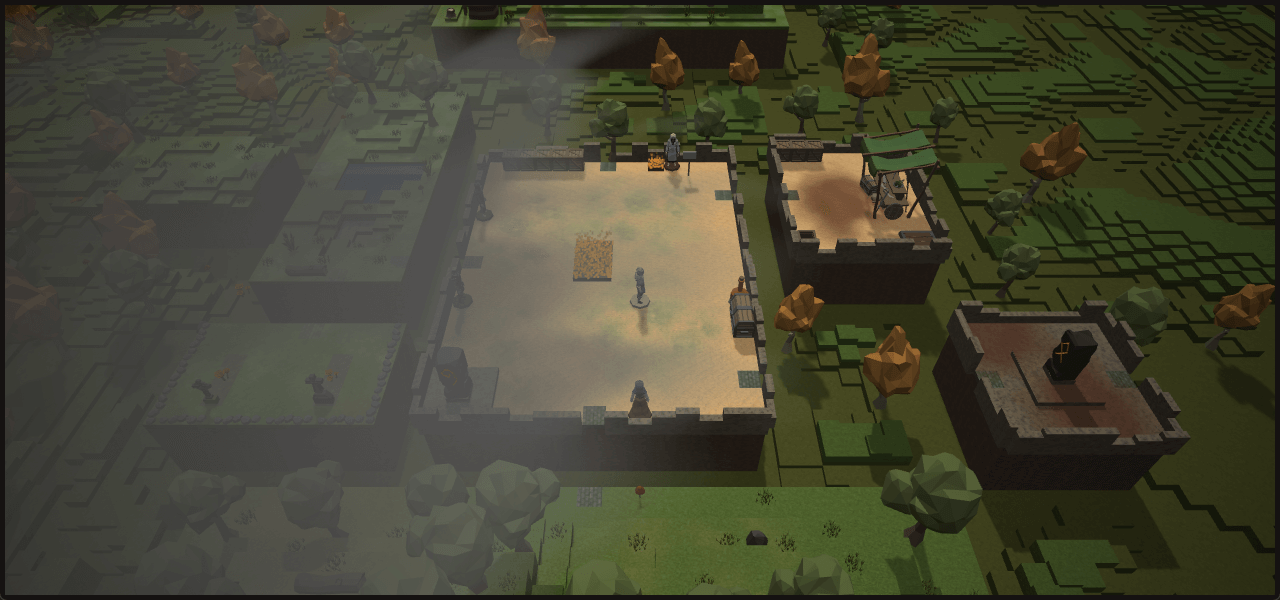
MudGate runs in a web browser, so you can enter the game without downloading or installing a separate client.
Start as a guest
New players can begin without creating an account. Guest play is a demo session with limited realm and dungeon access, and guest progress cannot be saved.
Register the active guest to enable saving and keep the character's current level. Registration also opens further character customization.
Play in the shared web world
The web version is a free shared multiplayer world. You can explore alone, travel with non-player companions, or join a group of up to eight players.
- Explore handcrafted realms and generated dungeons.
- Register to choose a race and class, then develop abilities and equipment.
- Use visual controls, text commands, or both.
The Steam edition instead hosts its own game for solo play, online co-op, or LAN co-op.
Begin in Lowbird Forest
New players entering the shared web world normally begin in Lowbird Forest, where tutorial objectives introduce the game's controls and systems.