 To homepage
Getting started in MudGate
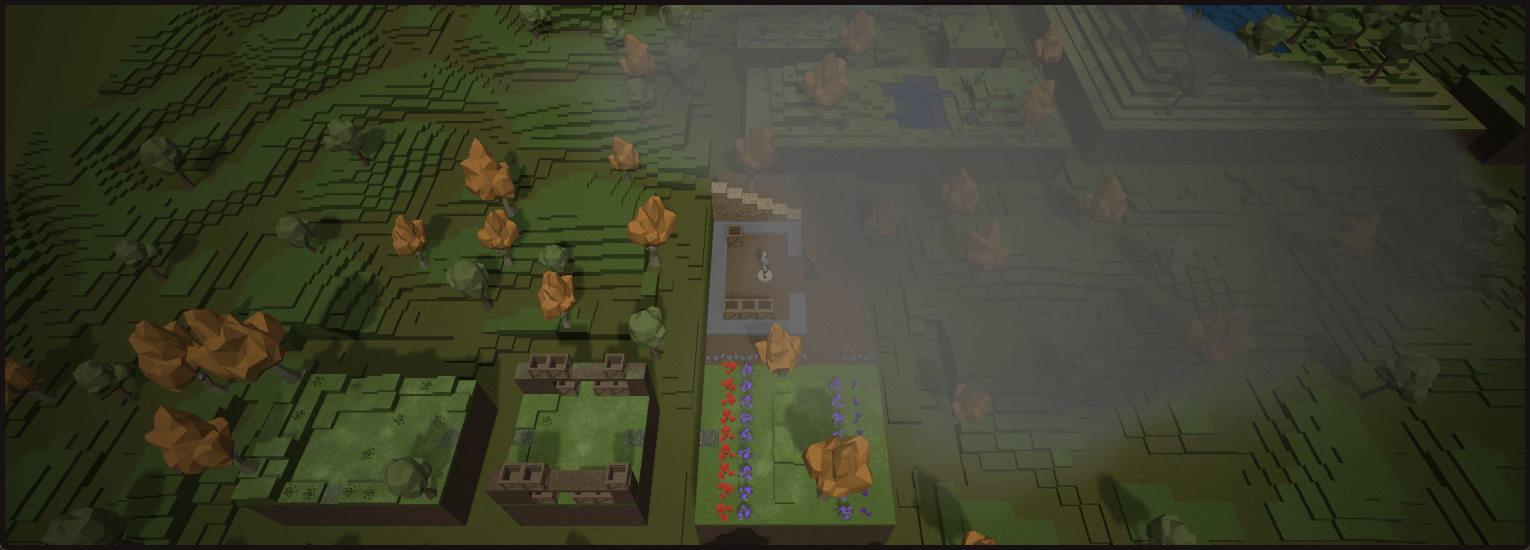
Begin as a browser guest or create a registered character. Guests enter immediately, but their progress cannot be saved until they register.
Begin in Lowbird Forest
New players normally begin in Lowbird Forest, where tutorial objectives introduce movement, inspection, combat, and exploration. Browser guests enter immediately as a human Shield Knight.
Registration lets you choose a playable race and class, save progress, and continue developing your character.
Learn the essential controls
- Use W, A, S, and D to move, and Q or E to rotate the camera.
- Left-click to act or attack. Right-click to inspect or search.
- Press I for inventory, O for objectives, and M for the realm map.
- Drag items to move them. Shift-click to equip or unequip; Ctrl-click to drop or sell.
- Press Enter to open chat or submit text, and Tab to change chat channels.
Mouse bindings can be swapped in settings, and the interface shows the current bindings. Type "search" to investigate nearby possibilities or "help" for command guidance.
Begin exploring
Check your objectives, read descriptions for clues, and inspect nearby objects. Decide whether to fight or avoid threats, then collect useful items and continue developing your character.